
Plan Practice
In Minutes.
Practice plans, drills with video and a coaching board for basketball coaches — on your phone.
Free on Android · Planning works offline · No ads, no tracking
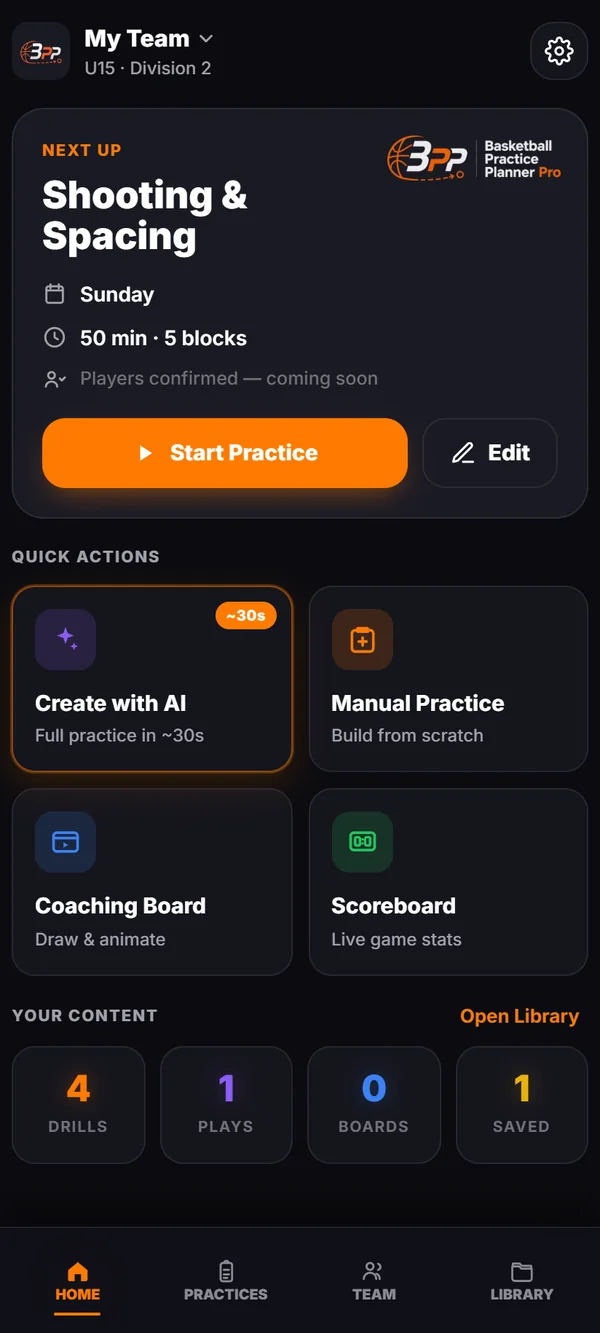
Five taps. A full practice.
No empty timeline and no drill list to dig through. Answer five questions and the session is written — then change whatever you want.
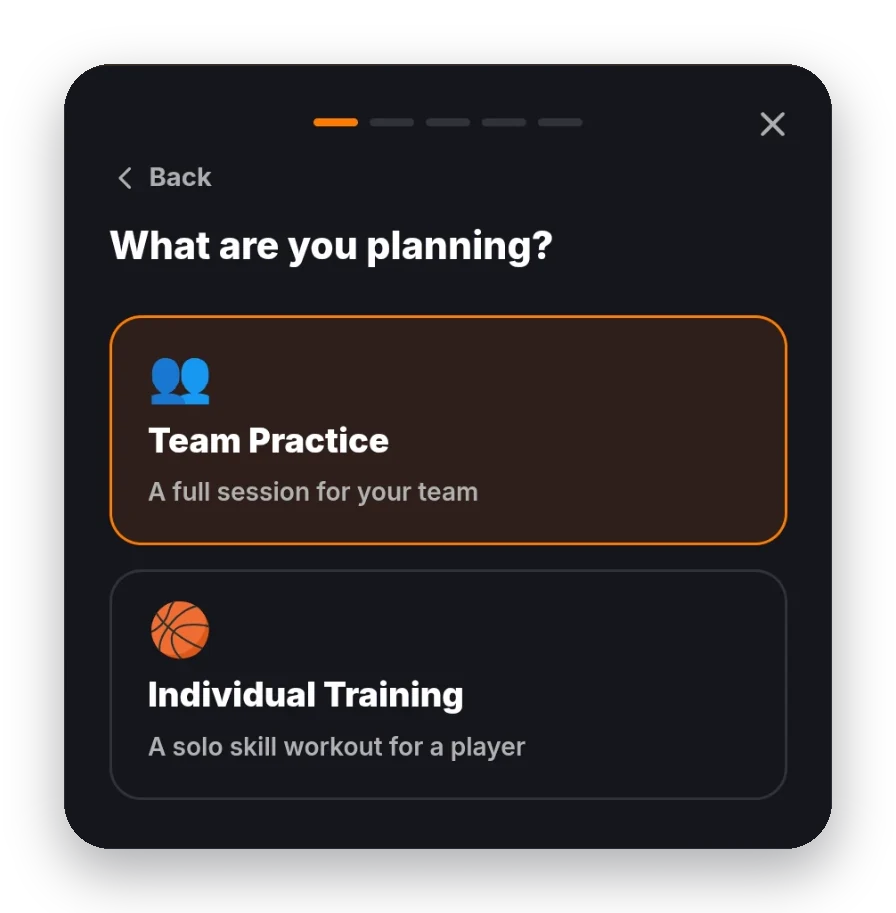
Team or player
A full session for your team, or a solo skill workout for one player.
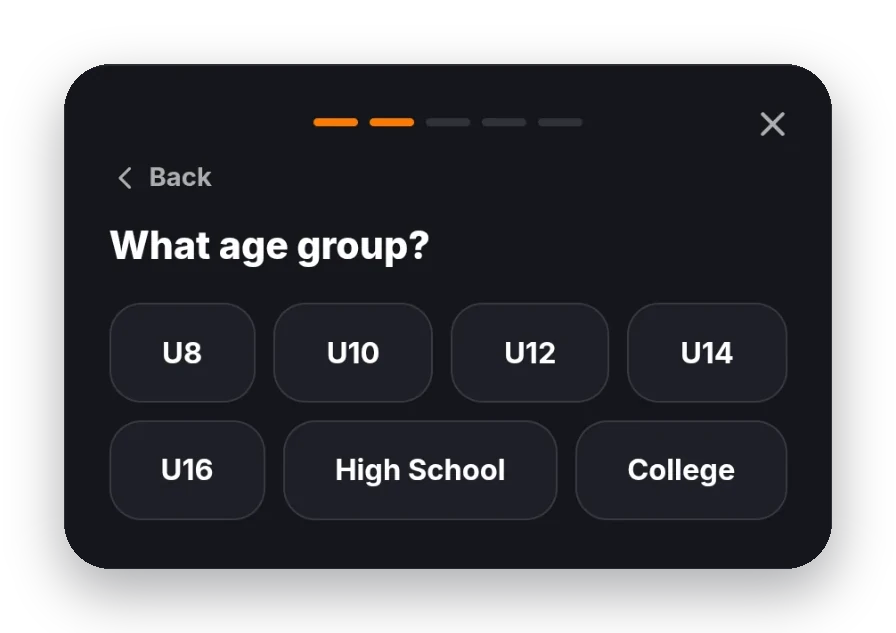
Age group
U8 to college. The drills and the pace are picked for the age.
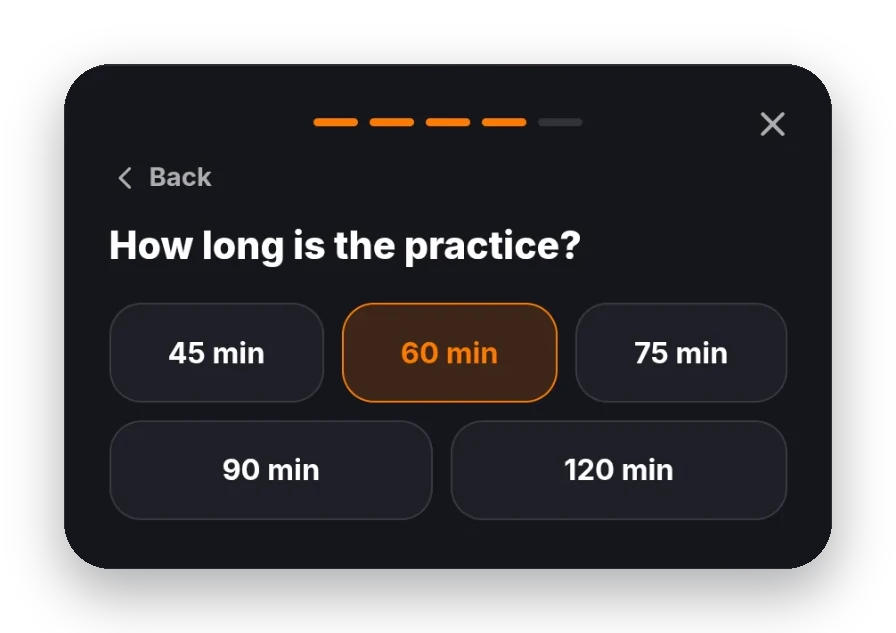
Players, length, focus
How many show up, 45 to 120 minutes, and what to work on — shooting, team defense, spacing.
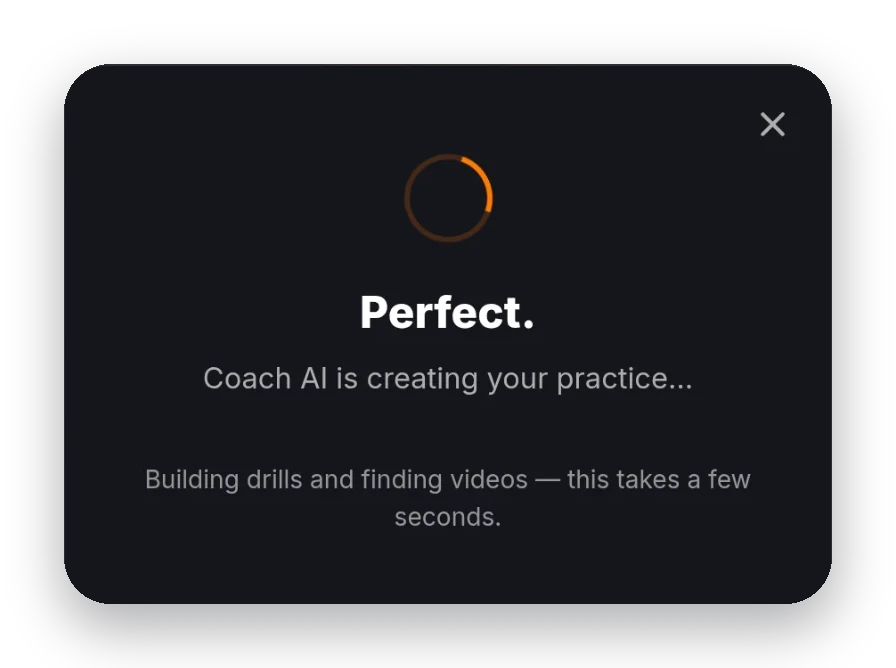
The practice is written
Blocks, minutes, drills and a video for each one, in about thirty seconds.
Then it is yours to change.
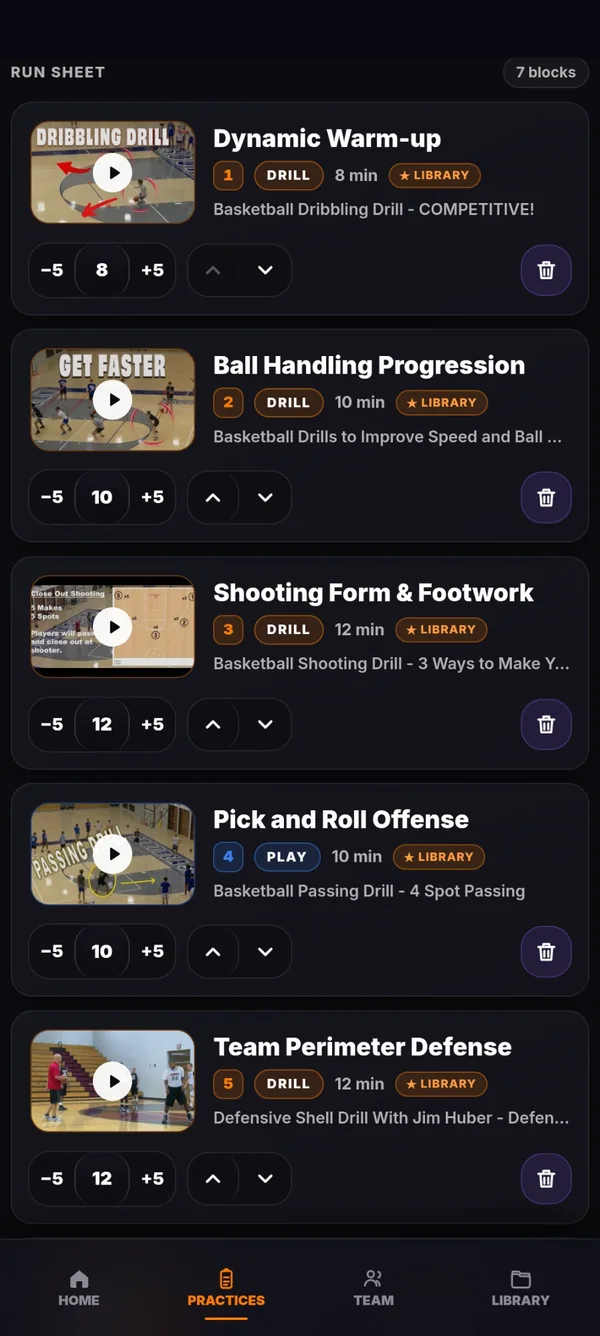
What Coach AI writes is an ordinary practice plan. Every block, every minute and every drill can be moved, swapped or thrown out.
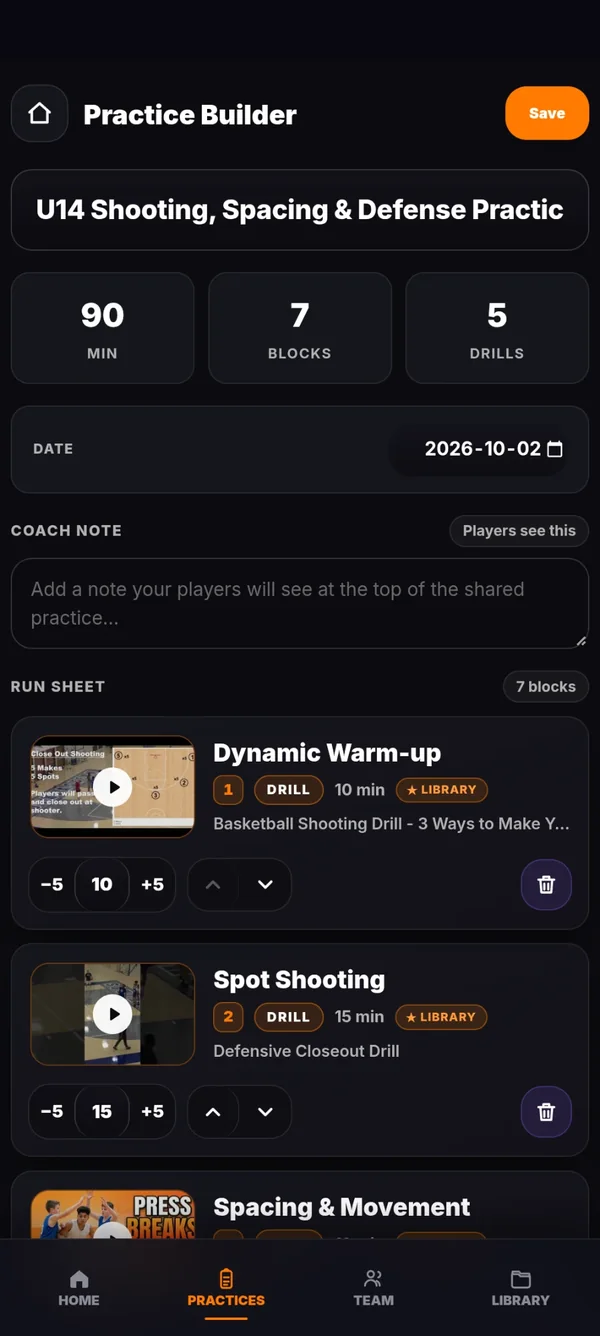
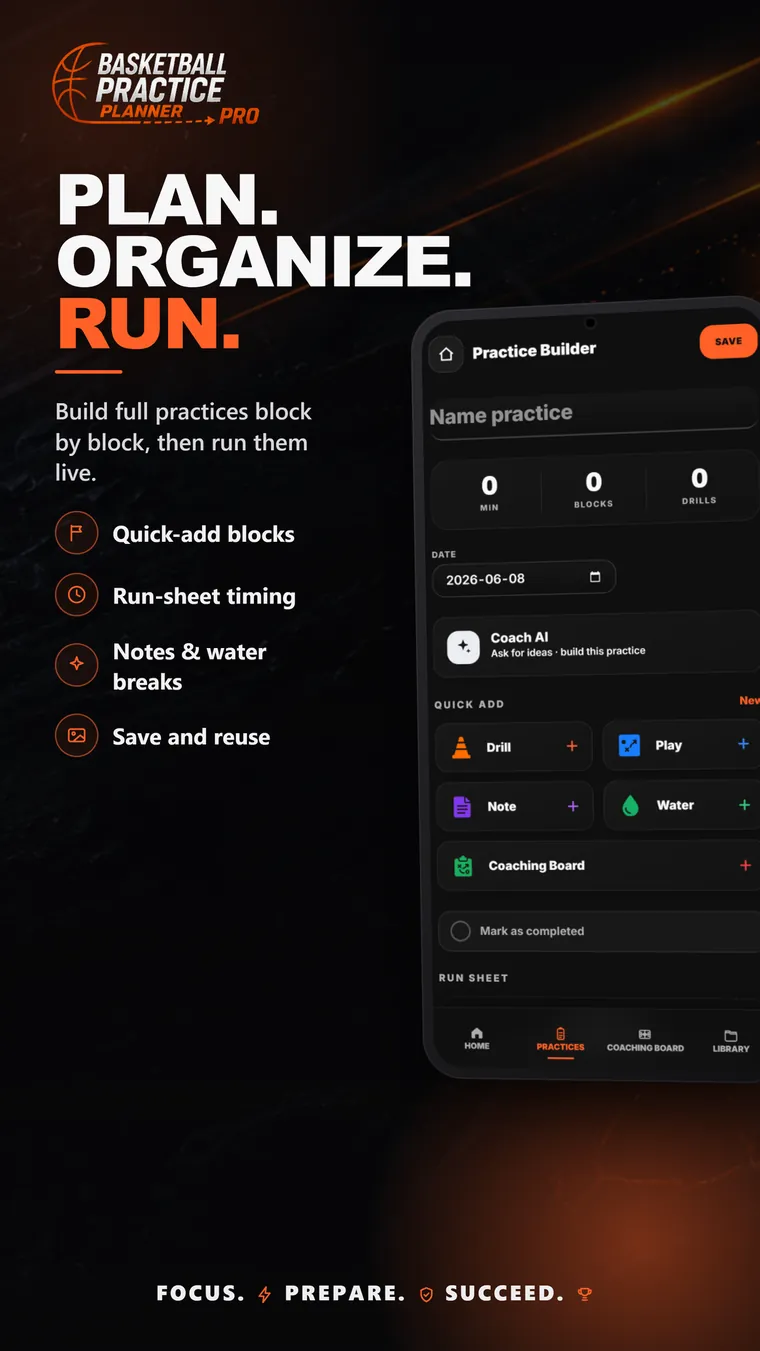
The minutes add up at the top. Nudge a block by five, move it up or down, delete it.
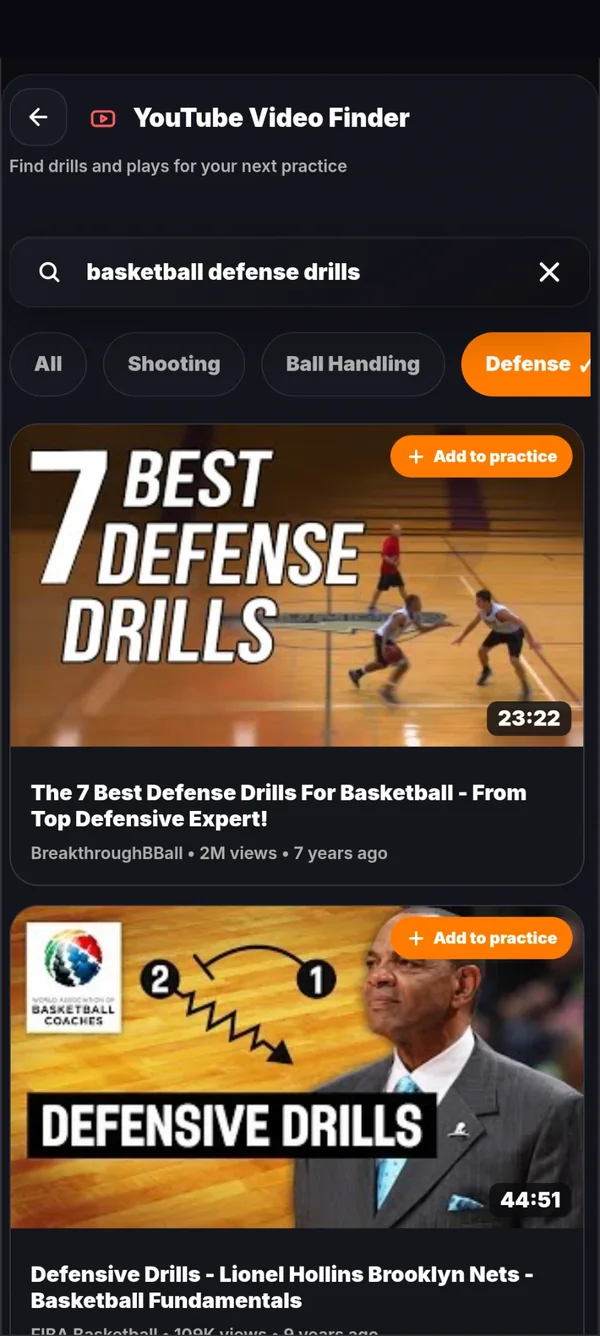
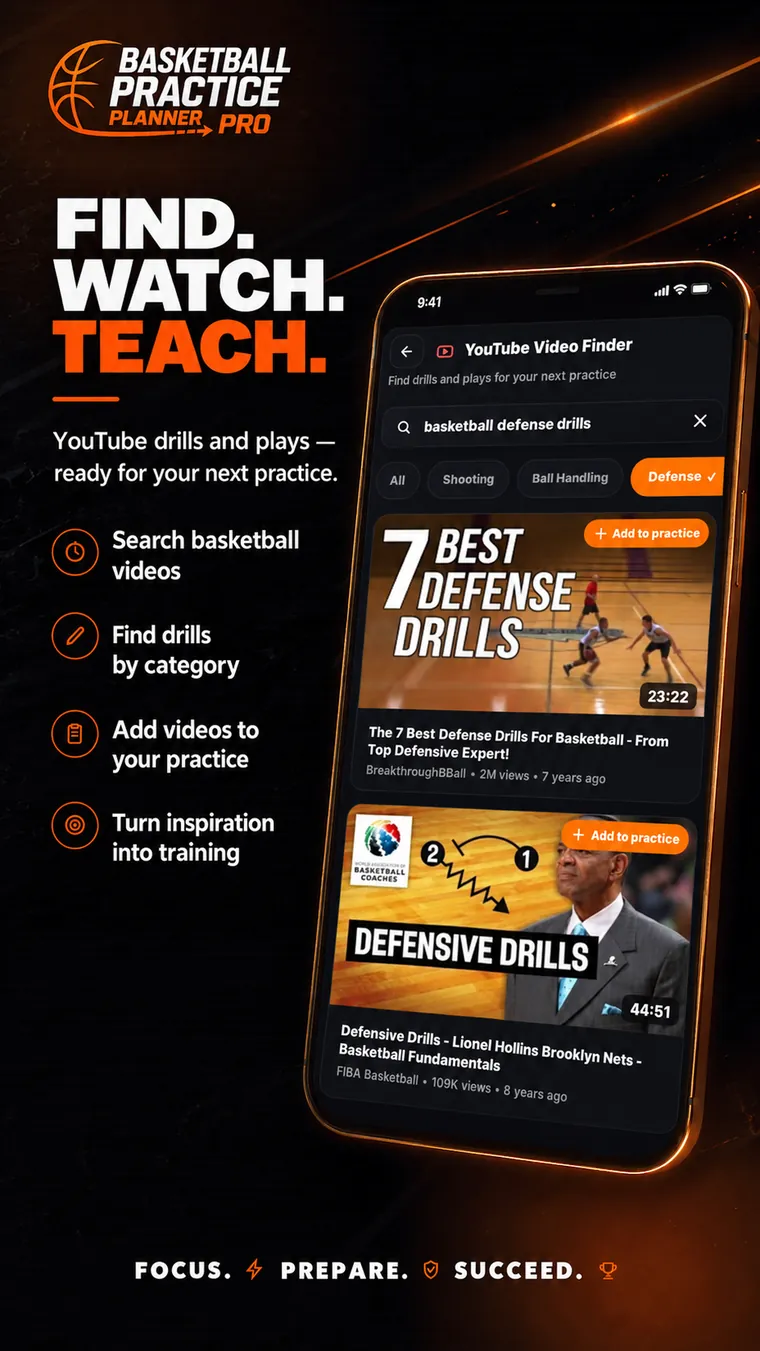
The clip sits on the block, so an assistant coach sees what you mean.
Add any of them with one tap, or attach a board drawing to a block.
Write it once; it sits at the top of the shared practice.
Skip the AI entirely and start from an empty plan.
Export the plan and print it for the bench.
Draw it. Animate it. Record it.
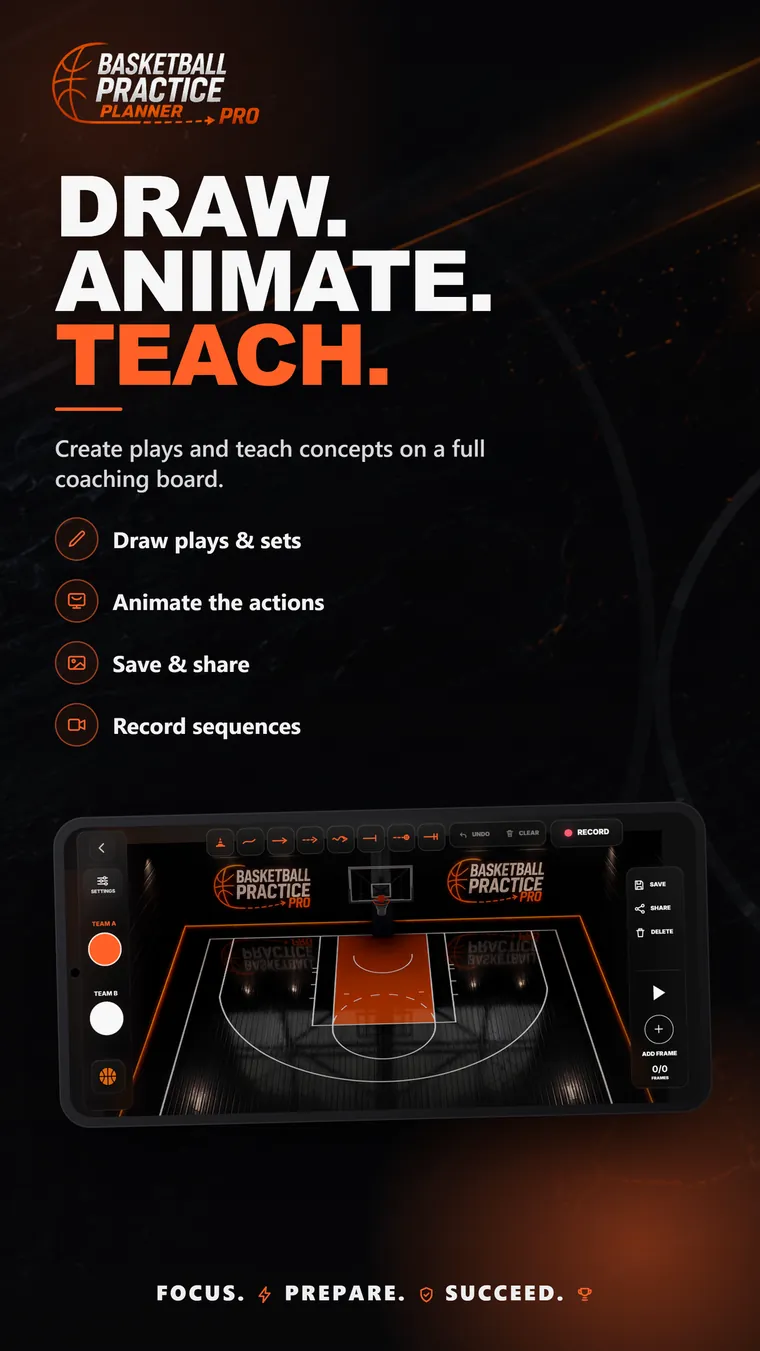
A full court or a half court, two teams and a ball. Show the timing of a play instead of a tangle of arrows.
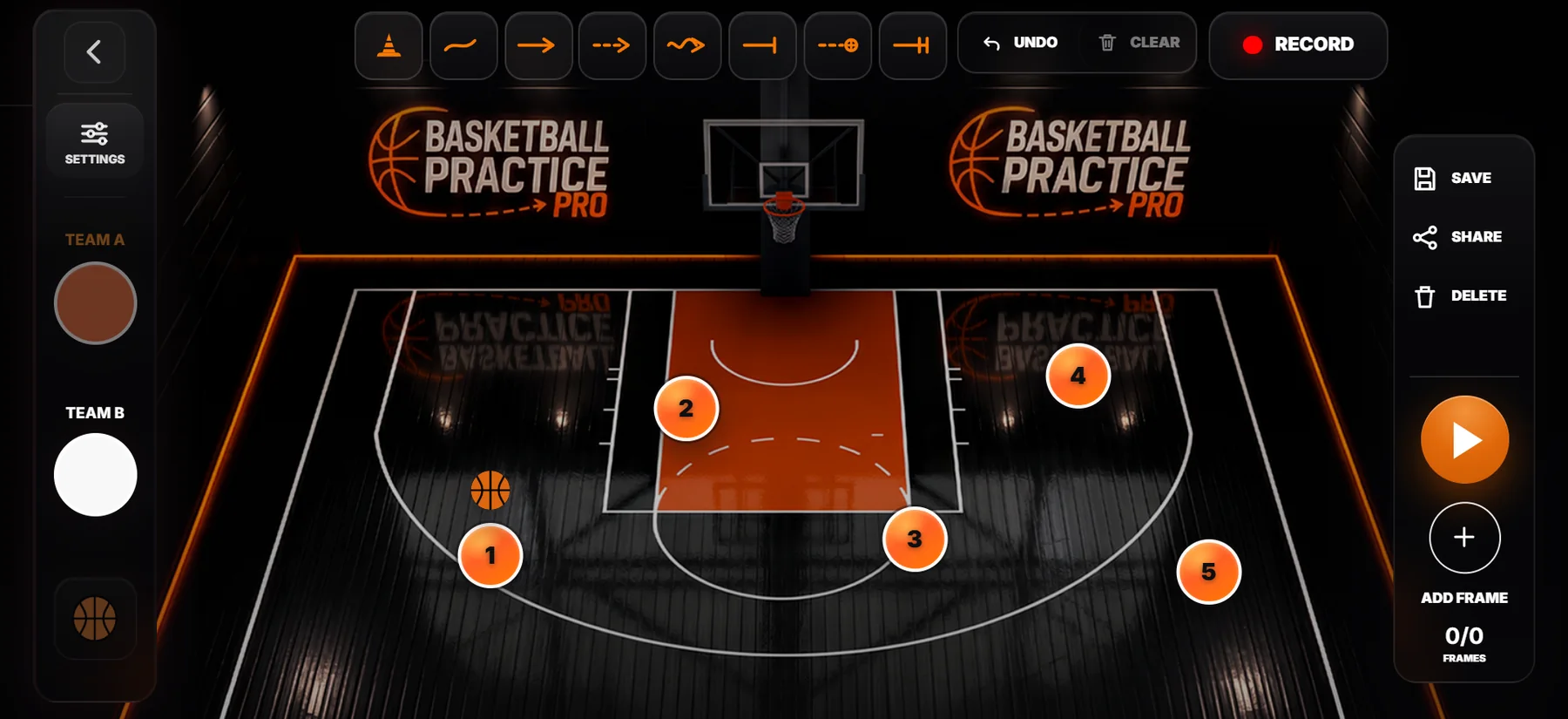
Eight tools
Cut, pass, dribble, screen, shot, hand-off, a free pen and cones.
Frame by frame
Add a frame, move the players, press play. The set runs in order.
Your voice over it
Record the play as a clip, with your own narration on top.
Save and share
Keep boards in the library, attach one to a drill, send the clip to the team.
Everything a coach needs, in one app.
The same app runs the clock at a scrimmage and keeps last season's practices.
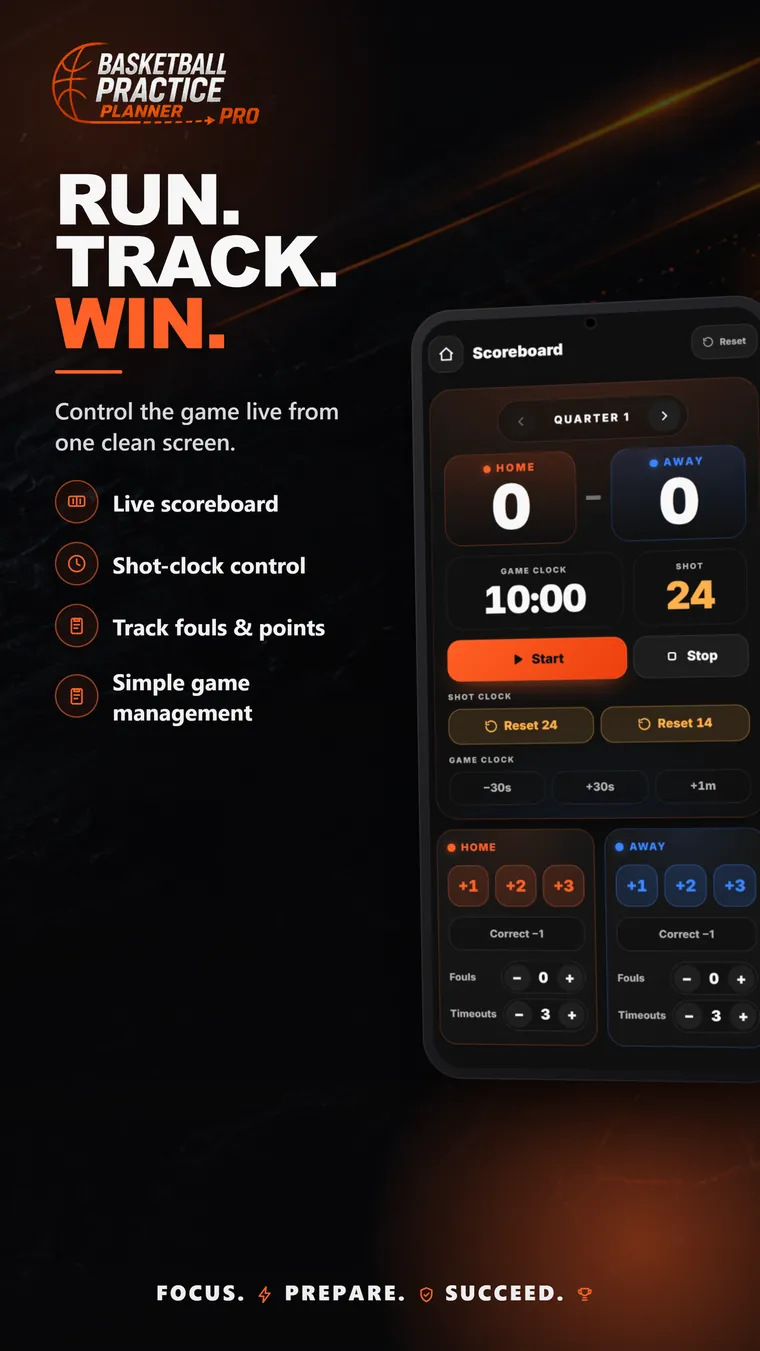
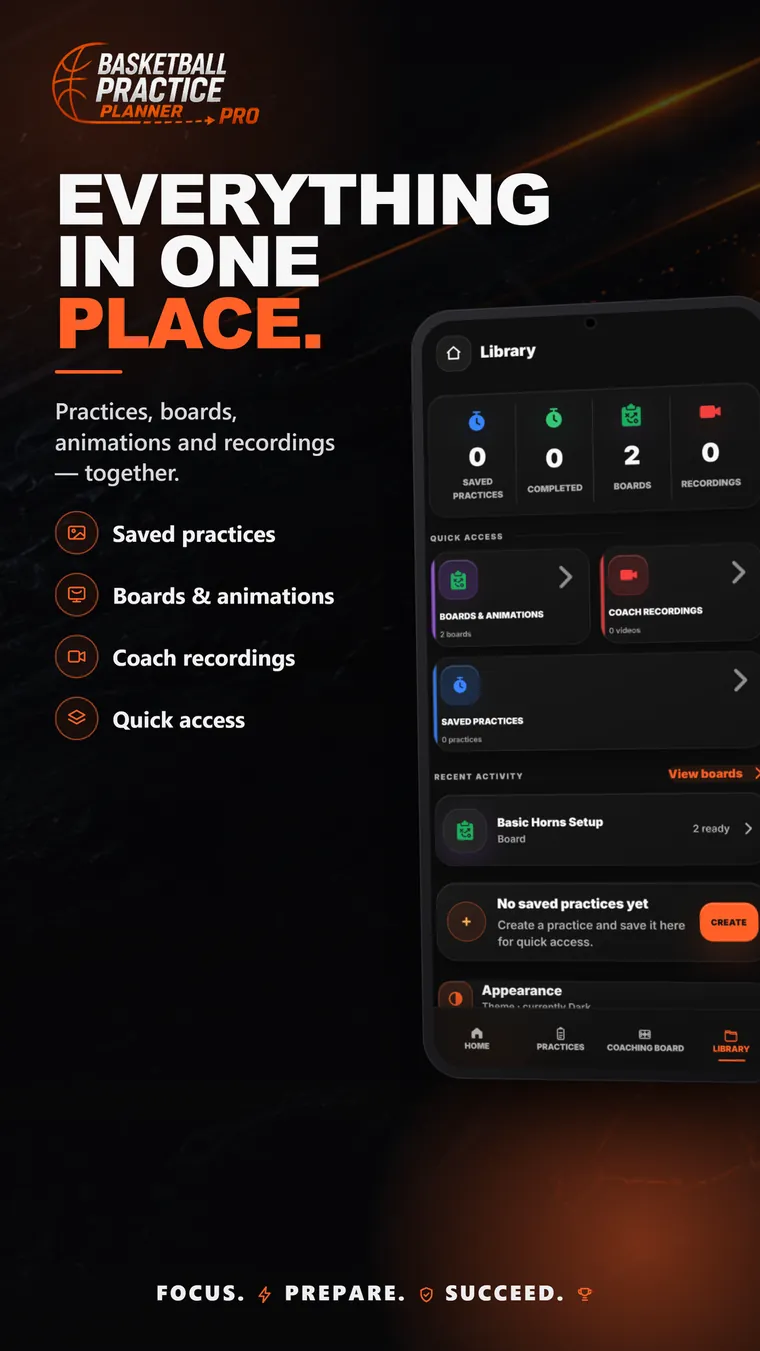
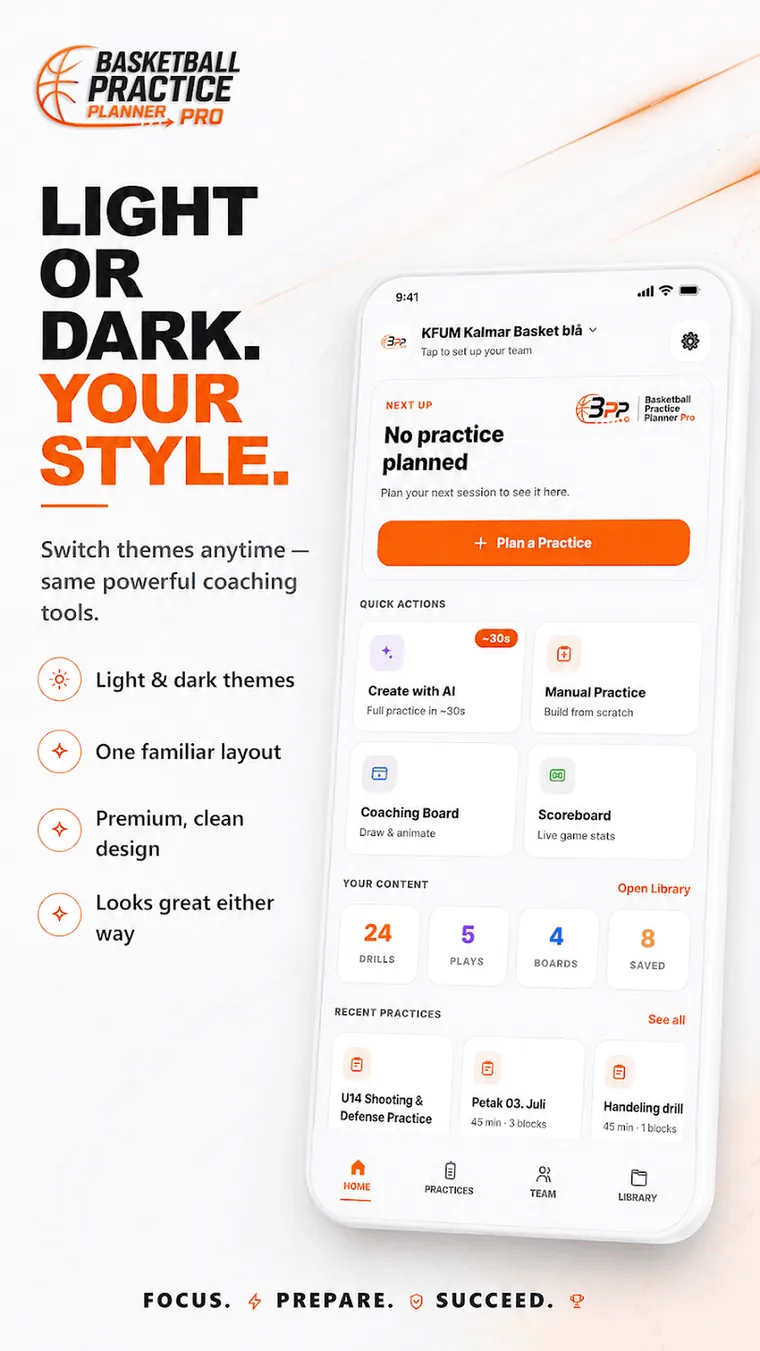
Any team, any level.
The same app writes a 45-minute session for nine-year-olds and a 120-minute varsity practice.


Send the practice to your players as a link.
They tap it and see the session, the drills and the videos right in their browser.
- No sign-up and nothing to install
- Works on iPhone and Android
- Change the plan and the link changes with it

“I was planning sessions in a notebook the night before, and losing the good ones.”
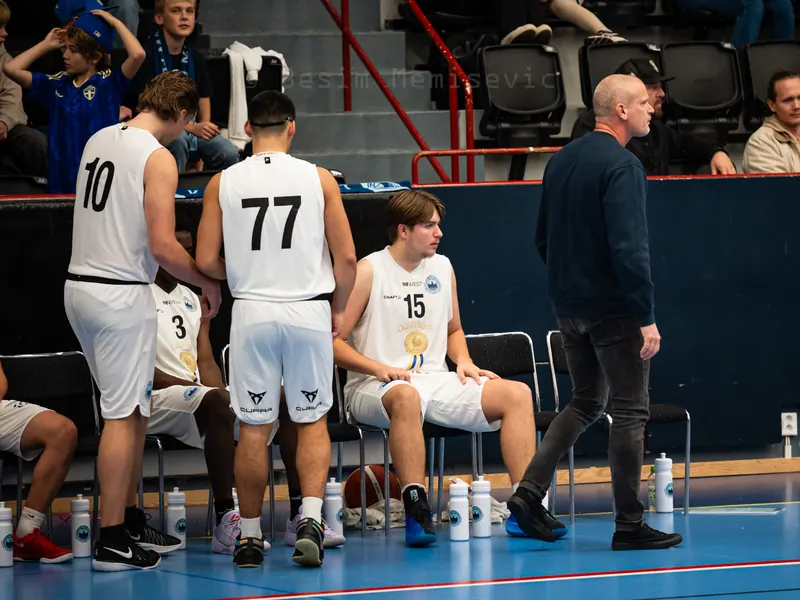
Everything in the app is there because it saves time at practice, not because it looked good on a feature list. If something is missing or in your way, write to me and I will fix it.
Besim Memisevic — basketball coach in Kalmar, Sweden
Free. One optional unlock.
Everything you need to plan, draw, share and keep your team costs nothing. The only paid part is unlimited Coach AI, and you pay for it once.
What coaches ask.
Something else? Write to nolinolabs@gmail.com.
Is it free?
Yes. Planning, the drill library, the coaching board, the scoreboard and sharing with players are all free. Only unlimited Coach AI costs money, as a one-time purchase.
Do my players need to install anything?
No. You send them a link, they tap it, and the practice opens in their browser with the drills and the videos. No account and no app on their side.
Does it work on iPhone?
The coach app is on Android. Players open shared practice links in any browser, so iPhone works for them. An iPhone version of the coach app is not out yet.
Does it work without internet?
Planning works offline — you can build and edit a practice in a hall with no signal. Coach AI and video need a connection.
What age groups is it for?
Any. You tell Coach AI the age group and it drafts for it — from rec ball through middle school, AAU, JV and varsity.
Who made it?
A basketball coach in Kalmar, Sweden, building it for his own team.
Tonight's practice, planned.
Install it, answer five questions, and walk into the gym with a session in your hand.